
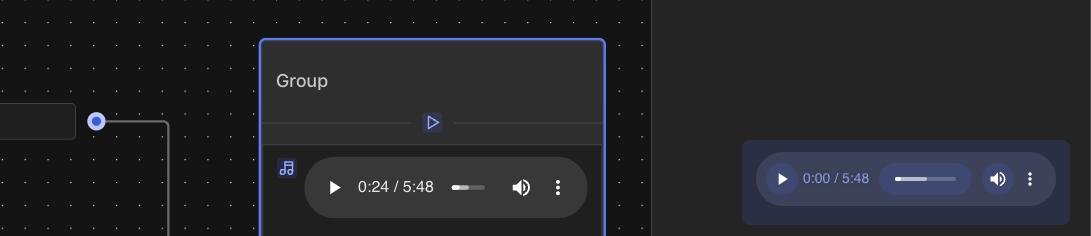
The Audio Bubble component allows you to add audio content to your chat flow displayed as an audio player. It supports two methods of adding audio:
- Upload - Upload audio files directly from your device:
- Accepts audio file formats
- Maximum file size: 5MB
- Link - Add audio via URL:
- Enter direct URL to audio file
- Supports standard audio formats (mp3, wav, ogg etc.)
The audio player provides standard playback controls.